-
JD Spinoza
JD Spinoza
JD enjoys teaching people how to use ZoomShift to save time spent on scheduling. He’s curious, likes learning new things everyday and playing the guitar (although it’s a work in progress).
- Jan 26, 2026
Got A Last Minute Sick Employee? How To Manage On Short Notice
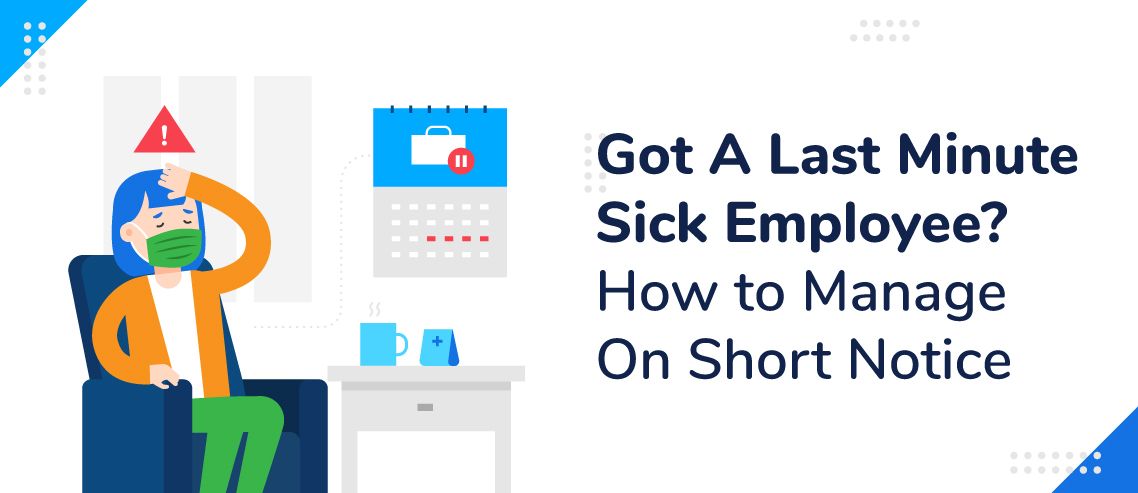
As a business owner or manager, employee scheduling is one of the most complex parts of your role.
It becomes even more challenging when an employee calls in sick right before their shift.
Last-minute absences can be frustrating and disruptive. While they’re often unavoidable — and you certainly don’t want sick employees coming in and affecting others — they can quickly derail your plans for the day.
In this article, we’ll explore how to handle last-minute sick calls and manage your schedule effectively on short notice in 2026.
Have Job Descriptions Handy
If you run a small company, knowing who can step in for your sick employee isn’t hard. But, if your company is larger, you want to look at your job descriptions to see who can work for your absent staff member.
Use Scheduling Software
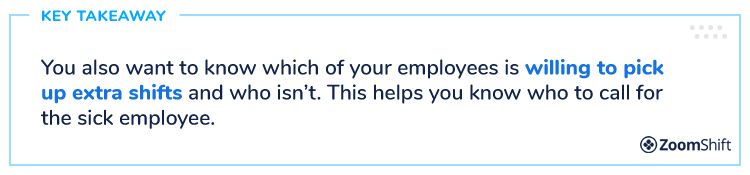
If you use an online scheduling software like ZoomShift, you can see at a quick glance who might be available to work your sick employee’s shift.
Software that is accessible from any location makes swapping out schedules quite easy. So, your job can be handled promptly and without problem.
Your other staff members can also swap shifts on their own.
Oftentimes, if you’re using online scheduling software like ZoomShift, you can stay out of the mix. Let’s say your employee calls in sick. You can send the team member to the software where they can contact another employee to see if they’ll cover the open shift.
It is true that employees get sick. And, you don’t want them working. But, what do you do if you have employees who call in sick, and you know they aren’t sick.
Let’s take a look at what to do about these employees so you aren’t having to manage on short notice.
Look for a Pattern
If you’re using ZoomShift, you can look for a pattern of absenteeism. For example, you may notice that Bob calls in sick the second Friday of each month, or that Gloria is sick two days at the end of each month.
Finding a pattern of behavior opens the door for you to have a conversation with your employee.
You need to address the issue head on and find a way to solve it. Bob and Gloria probably don’t want to lie to you, but they don’t know how to get out of work.
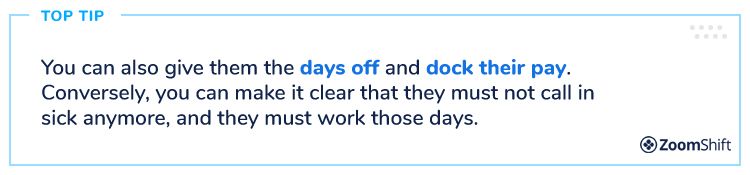
If they have a valid reason, offer to switch their schedule around to accommodate the days they usually call in sick. Explain that they can’t do that any longer.
Have a Procedure
Most employee problems can be handled as long as you have a procedure in place.
Your employee manual should lay out your entire employee absenteeism policy. It should specify a certain number of allowed sick days and whether they are paid or unpaid.
Your policy should also state the following:
• Whether they should text or call in their illness.
• To whom they should report it.
• Whether the days are paid or unpaid.
• How much notice they must give.
• Who is responsible for finding a fill-in? Who finds the sub – the employee or the manager?
• If a doctor’s note is required. Note: if employees are sick for three days, a doctor’s note is usually required.

Review the History
If you have an employee who calls in sick on a consistent basis, it’s time to look at his past employee reviews.
Does he have performance issues? Is he constantly in the middle of conflicts? Does he meet his deadlines? Has he been caught in a lie?
Unfortunately, you may find it’s time to let the employee go.
But, make sure you’ve documented all the employee’s problems and missed days.
You’ll want to know your company’s discipline policy and follow the steps. These usually begin with a verbal warning, followed by a written warning, then suspension without pay and finally, termination.
Revise Your Time Off Policy
Some companies have separate vacation and sick leave policies. Sometimes this kind of set up causes employees to call in sick when they aren’t.
For example, if they’ve used up their 14 days off, but they need to go out of town, they may call in sick because they don’t have any more vacation time, but they do have sick leave.
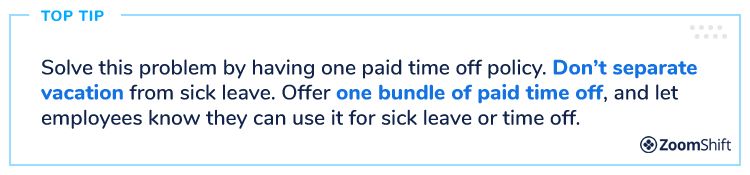
If you are combining them, make sure you are sticking to your city and state laws regarding paid sick time. Sometimes, they won’t let you combine them.
Final Thoughts
Forbes reports that sick days cost U.S. employers more than $576 billion annually.
Nearly 40% of that comes from lost productivity — either from employees being absent or working while unwell and not performing at their best.
While you don’t want sick employees coming in, you do need to be prepared for last-minute call-outs. Having a backup plan and using scheduling software like ZoomShift can make a big difference.
Online software can help facilitate last minute changes with ease and ensure your employees can swap shifts from any location.
Finally, make sure you have a clear process in place. Employees should know exactly what steps to follow when calling in sick—whether that’s contacting a manager or updating the scheduling system.
Document your policy so expectations are clear and miscommunication is minimized in 2026.
Are you ready to leverage the power of ZoomShift to help your employees swap schedules? Smart business owners are freeing up their time by using employee scheduling and timeclock software. Contact us today to start your free trial and get started.
JD enjoys teaching people how to use ZoomShift to save time spent on scheduling. He’s curious, likes learning new things everyday and playing the guitar (although it’s a work in progress).